

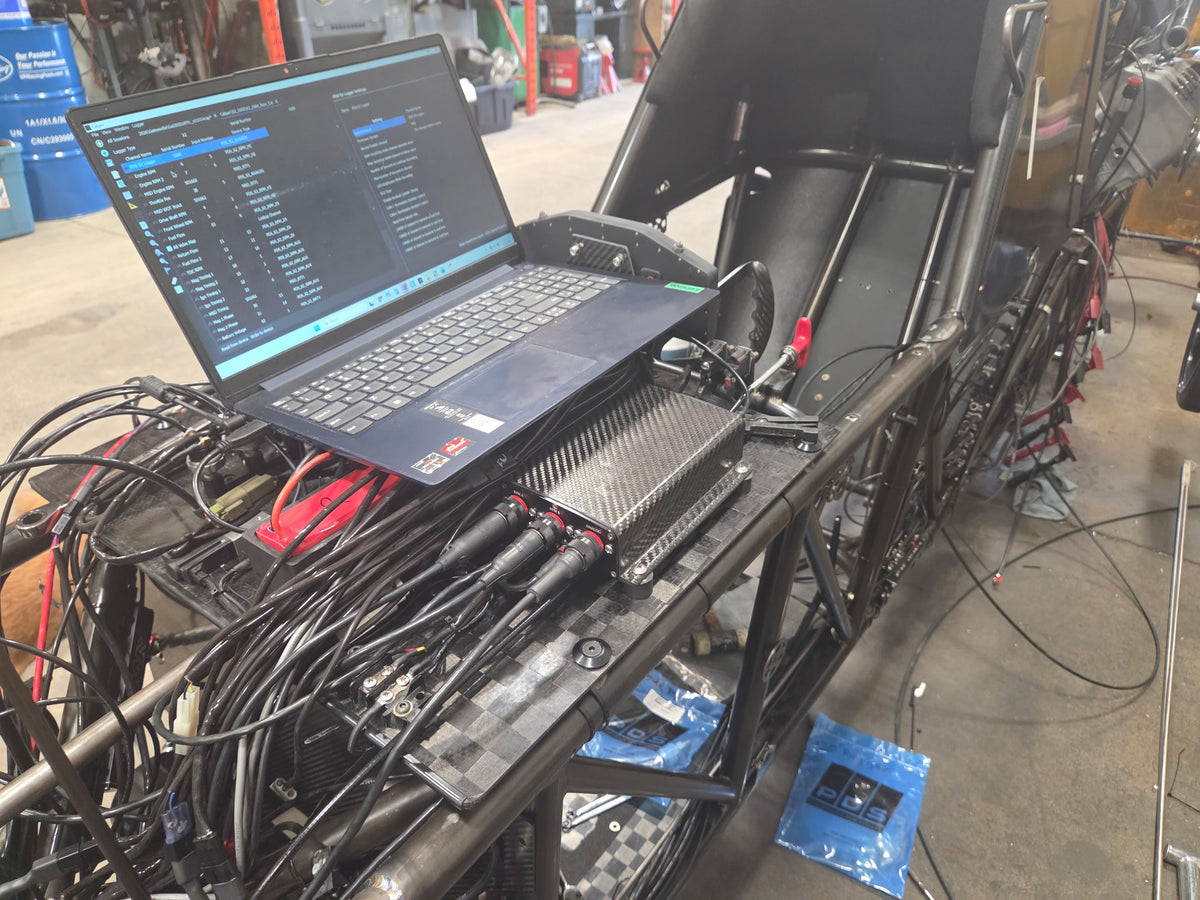
Get connected to a PDS technician fast. On-Demand Assist lets you share your screen so we can see exactly what you're seeing and get you back up and running — you stay in full control of your keyboard and mouse the entire time. Close the app, and the session ends instantly. No lingering access, no surprises.
1. Run the App
Check your Downloads folder for On-Demand Assist. Double-click to launch — no install required.
2. Enter Your Session Code
Your technician will give you a 9-digit code. Enter it to start a secure, one-time session.
Every code is single-use — once the session ends, it's gone for good. No reuse, no re-entry, by anyone.
A Note on Privacy & Security
Remote access should only ever be granted to someone you trust. Before starting a session, confirm you're connecting with a verified PDS technician — never grant access to an unverified caller or unsolicited request.
Unsure who you're talking to? Reach out to PDS directly to confirm before continuing, or review our privacy policy for more on how we protect your data.
Download On-Demand Assist for your device to get started.


